
Stateful sandboxes for agents. Every run gets a session id. The session outlives the sandbox.
The session is the product — a single handle (geospot-rl-9e55) you can attach to, exec more commands into, stream logs from, and reach via a preview URL. The sandbox underneath can be a CPU box on Cloudflare or a GPU box on Modal. The session id is the same either way, and so is the CLI.
What you see in the recording
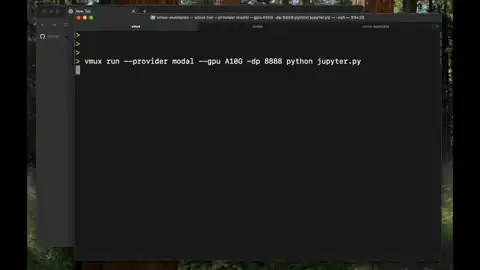
One full vmux run from a clean shell. The CLI bundles the working directory, calls the worker, and pipes back the session id plus the preview URL. Once the session is live, every follow-up — vmux attach, vmux exec, vmux logs -f — addresses the same running sandbox. Disconnect, reconnect from a phone, reconnect from a different laptop; same shell, same logs, same ports, same files. The sandbox is ephemeral. The session is not.
CPU and GPU, same session
vmux runs sandboxes on two providers behind the same session interface.
- Cloudflare is the default. Fast cold start, light footprint, good for web servers, background jobs, agent harnesses, and anything that doesn't need a GPU. The container image is
cloudflare/sandbox:0.8.9-pythonplusuv,tmux,git, and an auto-install entrypoint that readspyproject.tomlorrequirements.txton first attach. - Modal is the GPU path.
vmux run --provider modal --gpu T4 python gpu_hello.py, or--gpu A10Gforllm-chat, or--gpu H100for vLLM and other inference workloads. The Modal backend is a small FastAPI service deployed to Modal (modal-backend/main.py) that the Worker calls over HTTP because the Worker can't run Modal's Python SDK directly.
The full example catalog in ~/Developer/vmux-examples runs both paths from one CLI: vmux run web is Cloudflare + FastAPI with a preview URL, vmux run gpu is Modal + CUDA + PyTorch, vmux run vllm is Modal + vLLM behind an OpenAI-compatible endpoint, vmux run jupyter is Modal + JupyterLab with torch and jax baked in, vmux run image is Modal + SDXL Turbo. Same attach / exec / logs / preview / share surface for all of them.
Inside a session
One Durable Object per session. It owns the canonical state, the exec ledger, and the checkpoints — and outlives the sandbox itself. Logs stream via byte-offset, so a reconnecting client picks up exactly where it left off. Exec history and checkpoint metadata are backed by the DO's SQLite. The DO is the only piece that has to be durable; the sandbox is restartable from the session record.
The unglamorous load-bearing part is the keep-alive. Durable Objects normally evict after 70–140 seconds of inactivity, which would kill long-running training jobs. vmux patches @cloudflare/sandbox to a 168-hour keepAlive default and pairs it with a sleepAfter timer so the sandbox survives long enough for an agent to come back to it without billing forever.
The dashboard
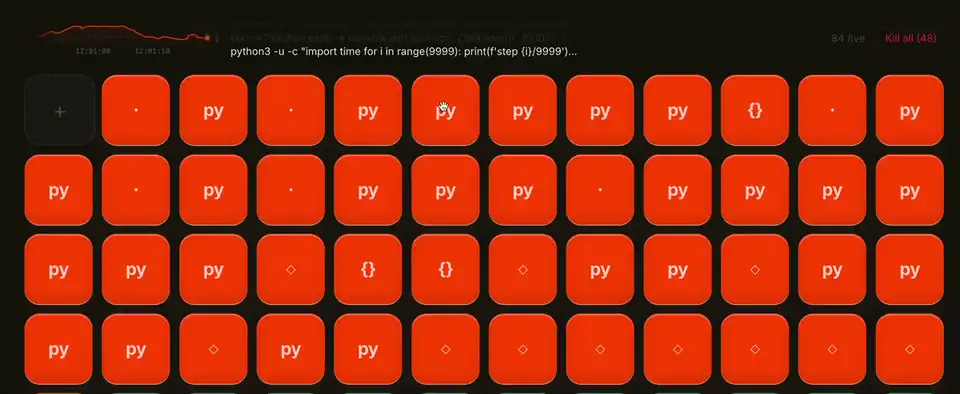
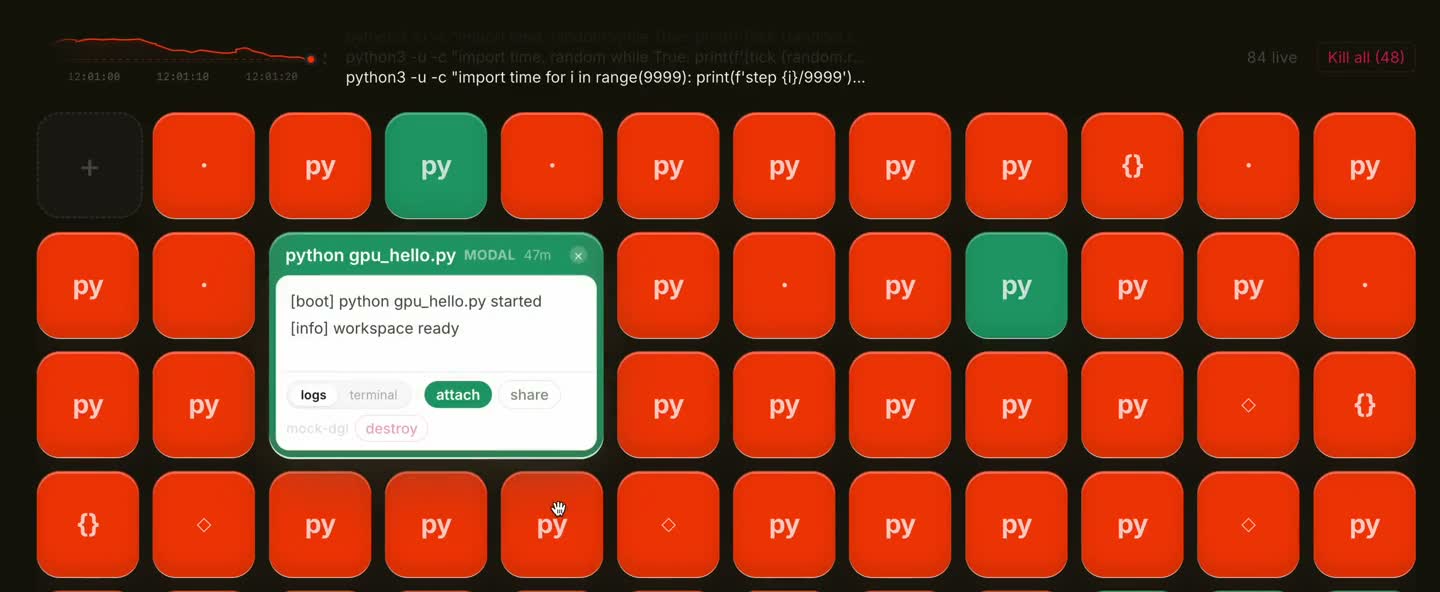
Two dashboards ship in one bundle. /dashboard is the original — a session list with per-session logs, attach links, and share controls. /dashboard/v2 is the newer fleet view: each session is a small tile, color-coded by provider (Cloudflare orange, Modal green) and state (running, sleeping, failed). The same React app picks which one to mount from the URL, so the deploy stays a single bundle.
Why I built it
Agents that run code need somewhere to run it that isn't the laptop. The standard answers — boot an EC2 box, ssh in, install your stack, run, tear down — assume one person at one machine for one task. They fall apart the moment a long-running job needs to be checked on from a different machine, or an agent needs to come back to the same context after a step that took ten minutes, or you want to share a live training run with someone without screen-sharing your laptop.
vmux is the smallest thing that fixes that. One CLI command launches a sandbox, returns a session id, and the session id is the only thing you need to come back to it from anywhere. Any caller, any provider. Every call returns the same session id.
What I don't have right yet
Stronger durability — filesystem snapshots, replayable exec history that can rehydrate a runtime on a different provider — isn't fully wired. The session survives disconnects because the underlying sandbox stays alive, not because we can recreate it elsewhere yet. The exec ledger and the checkpoint table in the session DO are the scaffolding for that work; the rehydration path isn't built.